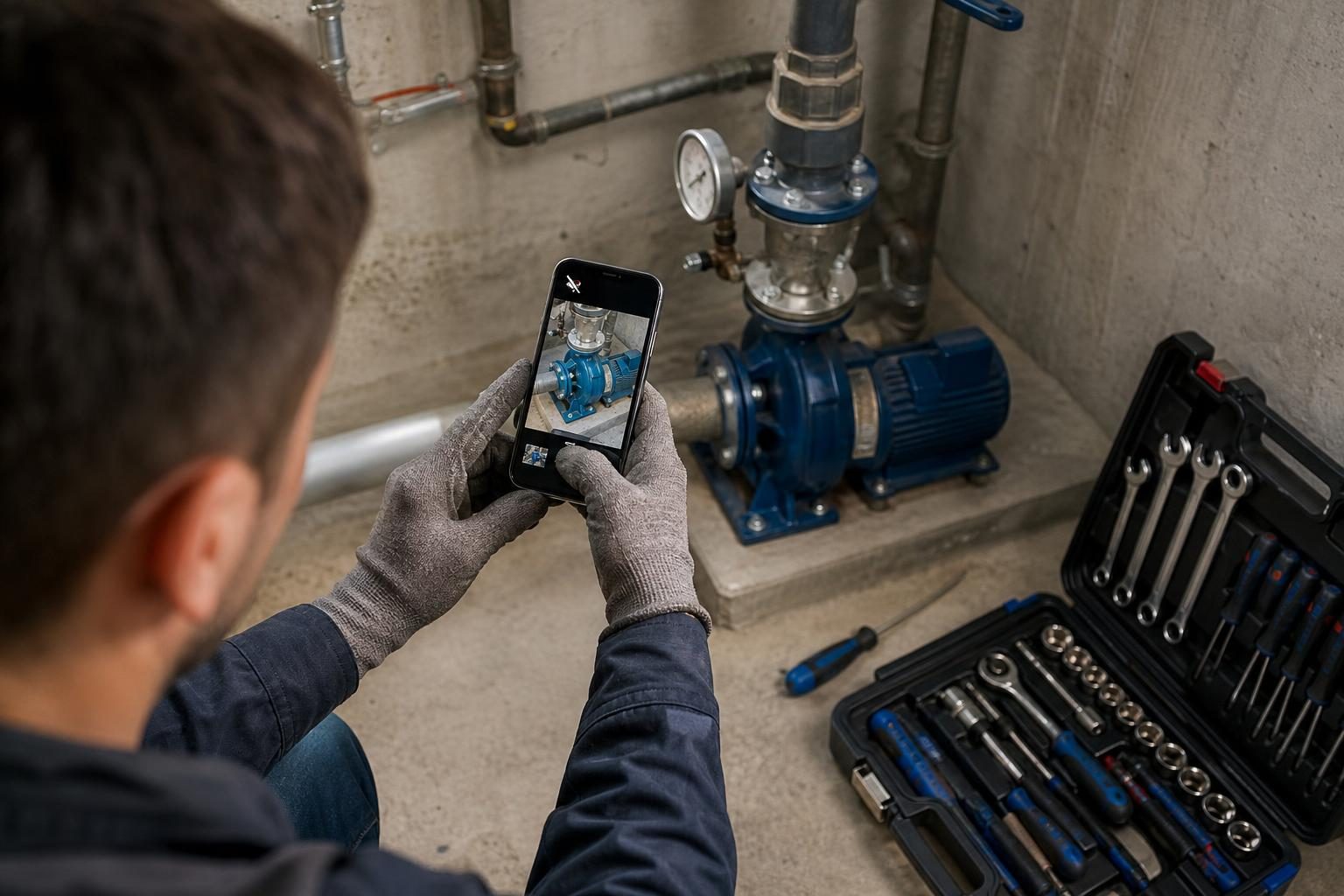
For the first version of a Flutter field app, budget between 70,000 and 110,000 lei excluding VAT if technicians complete forms online. If the team frequently loses signal and needs to be able to close the form on the phone, photos included, the indicative launch budget is between 110,000 and 180,000 lei excluding VAT. Both ranges assume Android and iOS, a single work order flow and data exchange with a single existing system.
How much does the same service app cost online versus offline?
For the same service team and the same work order flow, the online version costs indicatively between 70,000 and 110,000 lei, and the offline version between 110,000 and 180,000 lei, excluding VAT. These are estimates for budget planning, not fixed rates or quotes. The difference does not come from the number of screens, but from what the app must do with the data when the phone cannot communicate with the company system.
| What you compare | Forms completed online | Forms completed offline |
|---|---|---|
| Launch budget, excluding VAT | 70,000 to 110,000 lei | 110,000 to 180,000 lei |
| What the technician does without signal | Cannot rely on the app to complete the form | Opens the downloaded job, fills in the form and adds photos |
| When the dispatcher sees the form | After the phone sends it and the system accepts it | After signal returns and the form and photos are accepted |
| What the technician sees after saving | Confirmation of sending or an error | Form status: saved on phone, pending, sent or with error |
Let's take an illustrative example: a company sends technicians to 40 jobs per day. If signal is missing only during the work but returns before the technician leaves, the online version may be sufficient. If the technician frequently leaves without being able to close the form and has to redo the details from notes in the evening, offline work solves an operational problem, not just a comfort one.
What does the budget for the first version include?
The launch budget covers an app for Android and iOS, a single work order flow and one integration with the system already used by the dispatcher. An integration is the link through which the app and the company system send data to each other without anyone copying it manually. The estimate assumes the existing system already has an API, meaning an interface through which other programs can read and send data in a controlled way.
In both versions, the technician logs into the app, sees assigned jobs, opens a work order, fills in a standard form, attaches photos and marks the job as finished. The existing system provides the assigned jobs and receives the final form with photos. Dispatchers continue to work in that system, so the budget does not involve building a new panel for them.
The estimate includes flow clarification, screen design, development, testing and preparation for distribution. It does not include rebuilding the existing system, migrating history or different forms for each type of work order. If the system can provide the job list but cannot receive the photos, ask the quote to show separately how much it costs to modify it. Otherwise, two quotes with the same number of screens may cover different work.
Why does an app that works without signal cost more?
The offline version costs more because it must keep forms and photos on the phone, send them safely when signal returns and handle changes made in the meantime. For the technician, the action can remain a single button. Behind it, the app must do three distinct things:
- Keep the job on the phone. The app downloads jobs before the technician loses signal and saves answers and photos locally. The form must remain available if the app is closed and reopened. It must also be decided how long photos remain on the phone after sending.
- Sync data when connection returns. Syncing means the app sends what it saved on the phone and retrieves updated data from the company system. If signal drops while a photo is uploading, the app must retry without creating a second form. The technician sees the form as sent only after the system has confirmed receipt of the required data and photos.
- Apply a rule when the same job changes in two places. For example, the dispatcher cancels a job while the technician is completing its form without signal. On reconnection, the app should neither delete the form nor automatically turn the cancellation into a completed job. A simple rule is to keep the form and ask the dispatcher to check the case.
For the first version, limit offline work to jobs already assigned and downloaded. This way, you do not pay to resolve conflicts also for changing schedules or reassigning jobs, if technicians do not need these functions without signal.
Why must the Flutter app be tested on both Android and iOS?
Flutter allows using a large part of the same code on Android and iOS, but it does not eliminate testing on each platform if the company uses both. Phones may handle camera access, file storage and the time the app can still work after the user switches to another screen or locks the phone differently.
For example, the fact that a photo is sent on Android after the technician switches apps does not guarantee that the transfer continues under the same conditions on iOS. It may be enough for sending to resume when the technician reopens the app, but the behavior must be verified and clearly communicated. At launch, test on models representative of the company fleet, including an older phone if the team uses one. Check on both platforms signal loss during upload, app restart and connection return before considering the offline flow ready to use.
What expenses appear after launching the field app?
After launch, budget separately for hosting, support and updates, because development ranges do not include these recurring costs. As an illustrative example, for a few dozen technicians and a moderate volume of photos, a planning reserve would be 300 to 1,500 lei per month for hosting and 1,500 to 4,000 lei per month for support and maintenance updates, excluding VAT.
Hosting covers the services that receive forms, store photos and make backups. The cost depends on how many photos are sent, how large they are and how long they must be kept. Support covers, within the contract limits, investigating incidents, for example when several forms remain unsent. Maintenance updates keep the app compatible with new Android and iOS versions and with the company system. A new type of form or changing the approval flow is development work and is estimated separately. Ask in the quote for the assumed storage volume, incident response time and included updates.
How do I decide which functions must work without signal?
Run a pilot on real routes and measure how many forms do not reach the dispatcher on time before deciding which functions go into the offline version. A coverage map does not tell you whether the technician can send photos from a basement or from the technical room where they actually work.
- Choose representative routes. Include jobs in areas with good signal and in places where the team reports problems. Use the usual phones and forms with a realistic number of photos.
- Measure delays and their cause. Compare the time the job was completed with the time the complete form reaches the dispatcher. Count forms not sent when the technician leaves and at the end of the shift. Note whether the delay comes from lack of signal, photo upload or a forgotten field.
- Choose the smallest flow that solves the blockage. If the problem appears with photos, start with keeping them on the phone and resuming sending. If technicians can neither open the job nor complete the form in the area without signal, also include downloading assigned jobs and local saving of the form.
Practical recommendation: before approving the full budget, track unsent forms for one or two weeks on a few real routes. Then ask for a quote that states exactly what the technician can finish without signal and how the dispatcher verifies that the form and photos have arrived.
Frequently asked questions
Can we launch the online version first and add offline work later?
Yes, but it is worth establishing from the start what data will need to be kept on the phone and how their receipt is confirmed in the company system. If the online app assumes the phone always has access to the system, adding offline work may require redoing part of the flow.
Can the technician see an assigned job after losing signal?
No, a job assigned after losing connection cannot reach the phone until it reconnects. Without signal, the app can only display jobs it has already received and saved.
What happens to unsent forms if the phone is lost?
Forms that exist only on the phone cannot be recovered from the central system. Establish in advance how you protect data stored on the device and how the dispatcher identifies jobs for which no form was received.
Can we send the form via mobile data and photos only via Wi-Fi?
Yes, if the company system can receive the form and photos separately and if this rule is included in the app. The dispatcher must see that the form has arrived but that documentation is still incomplete until the photos are uploaded.